
 Live kaleidoscope camera
Kaleidoscope Cam
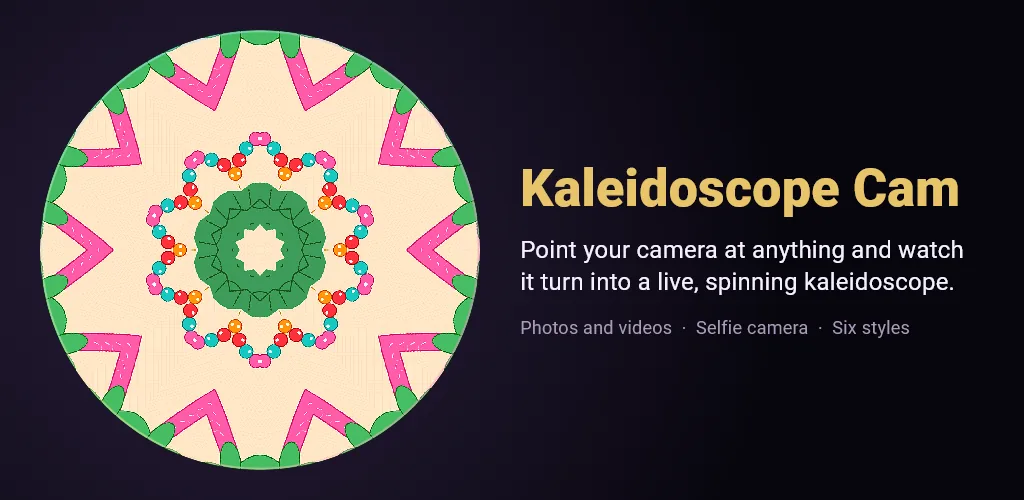
Point your camera at anything and watch it turn into a live, spinning kaleidoscope. The pattern is drawn on your phone’s graphics chip, so it moves smoothly as you move, and spinning rolls the scene under the mirrors like turning a real kaleidoscope. Save square photos and short videos of the moving pattern. It works offline and everything stays on your phone.

Free with Classic prism and Jewel facet, with a small watermark on photos and videos. A one-time Pro unlock adds four more styles, clean photos and videos, and longer, sharper videos (1080 x 1080 for 9 seconds). No subscription.
What it does
- Live kaleidoscope from the back camera or the selfie camera
- 2 to 16 mirrored segments and an adjustable spin
- Pinch and drag the disc to choose what the mirrors see
- Freeze the picture and keep playing with the pattern
- Torch for dark rooms
- Square photos (1080 x 1080) and short square videos of the moving scene
- Play back and share your videos from the Exports list
- Six styles: Classic prism and Jewel facet free; Crystal, Neon mandala, Soft pastel and Chaos glitch-lite with Pro
- Reduce motion setting and a flashing light warning
- Works offline, no account, photos and videos stay on your phone
Articles
Questions
Is Kaleidoscope Cam free?
Yes. Classic prism and Jewel facet are free, and Free photos and videos carry a small watermark. A one-time Pro unlock adds Crystal, Neon mandala, Soft pastel and Chaos glitch-lite, removes the watermark, and makes videos 1080 x 1080 and 9 seconds long. There is no subscription.
Does it record video?
Yes. Tap Video and it records the camera for 5 seconds (9 seconds with Pro), then turns every frame into the kaleidoscope and saves a square MP4 to the app and your gallery. Video is recorded without sound.
Does it work with the selfie camera?
Yes. Tap Selfie to switch to the front camera, and tap Back to switch again. The torch works with the back camera.
Are my photos uploaded anywhere?
No. The kaleidoscope is made on your phone, and your photos and videos stay on your phone and in your gallery unless you share them yourself.
Is it safe for people with photosensitive epilepsy?
Fast spin and the Chaos glitch-lite style use quick colour motion. The app shows a warning first, and Reduce motion in Settings stops the spin and the colour drift. Stop if anyone watching feels unwell.
Get Kaleidoscope Cam
Free to download on Google Play.